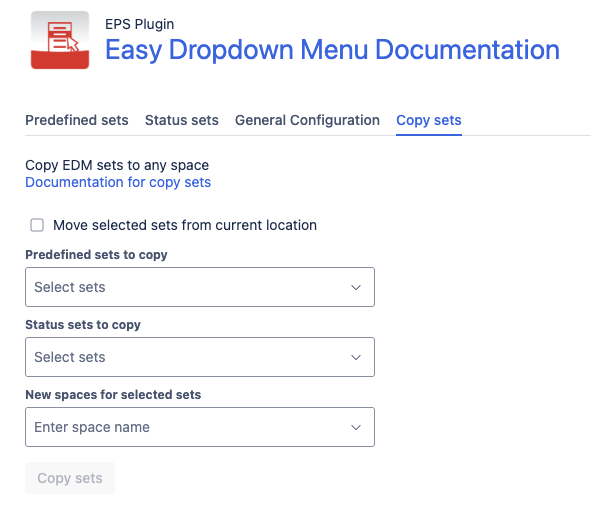
You can copy dropdown sets between spaces or the global configuration.
How to Copy Sets
-
Open Copy Sets
-
Select predefined and/or status sets
-
Choose the destination:
-
Another space
-
Global configuration
-
-
Optionally remove sets from the source location
-
Click Copy sets
After completion a confirmation message appears.
Copy Sets | Image