
The Edit Mode Macro displays values from a predefined dropdown set as plain text on the page.
Unlike other Easy Dropdown Menu macros, the value cannot be changed in view mode.
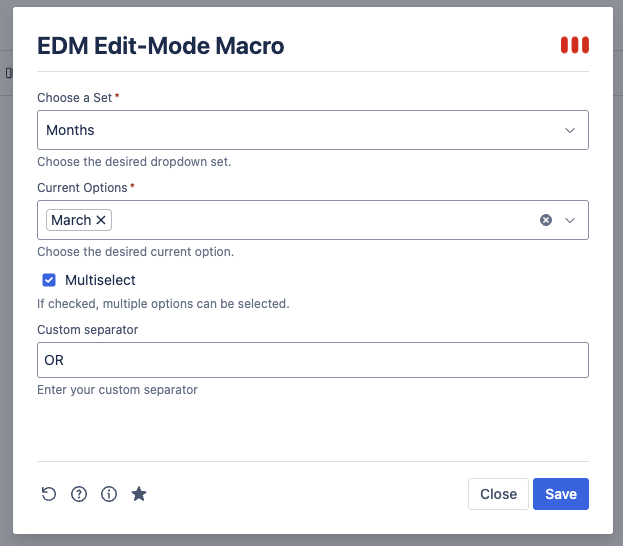
Users must edit the macro in the macro config to change the value.
This allows pages to contain structured data without showing interactive input elements.
Edit Mode Macro Config | Image
Edit Mode Macro | Image

Reporting & Filtering
The selected values are indexed the same way as other dropdown macros and can be used in:
-
Page Property Reports
-
CQL searches
Macro Parameters
|
Parameter |
Description |
|---|---|
|
Choose a set |
Select the predefined dropdown text set |
|
Current Options |
Select the value(s) displayed on the page |
|
Multiselect |
Allows selecting multiple values |
|
Custom Separator |
Defines how multiple values are separated in view mode |