
Global Settings define link checker settings at the instance level.
Before each link check runs, local settings are merged with the global settings.
Only Confluence administrators can access and modify these settings.
Navigation:
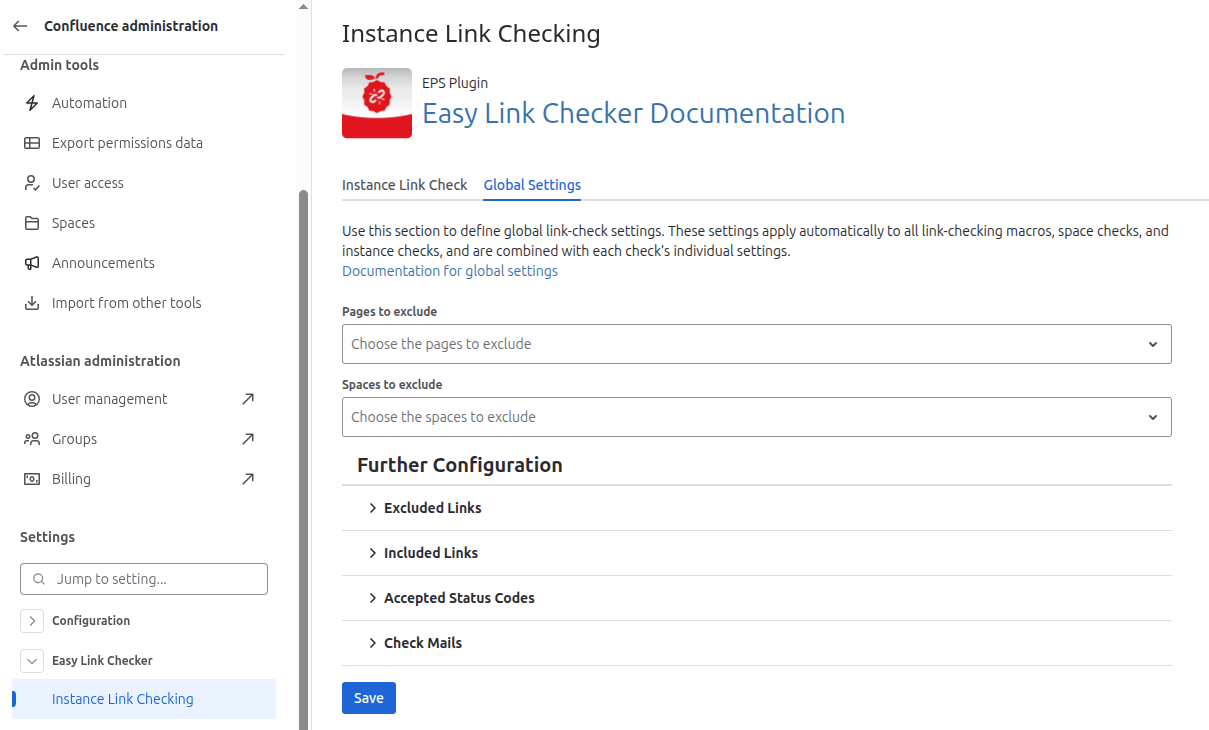
Go to Confluence Administration (⚙️) → Easy Link Checker → Instance Link Checking → Global Settings (second tab)
Global Settings apply to all link checks except the Website link check macro.
Configuration
The two main options of the global settings are the selection of Pages to exclude and Spaces to exclude. The selected pages and space will never be link checked.
Take a look at Further configuration to see how the additional options can be configured.
Global settings configuration | Image
Global Settings Viewer
Non-admin users can view the active Global Settings in read-only mode.
The Global Settings Viewer is available inside all macros and sections affected by these settings.