
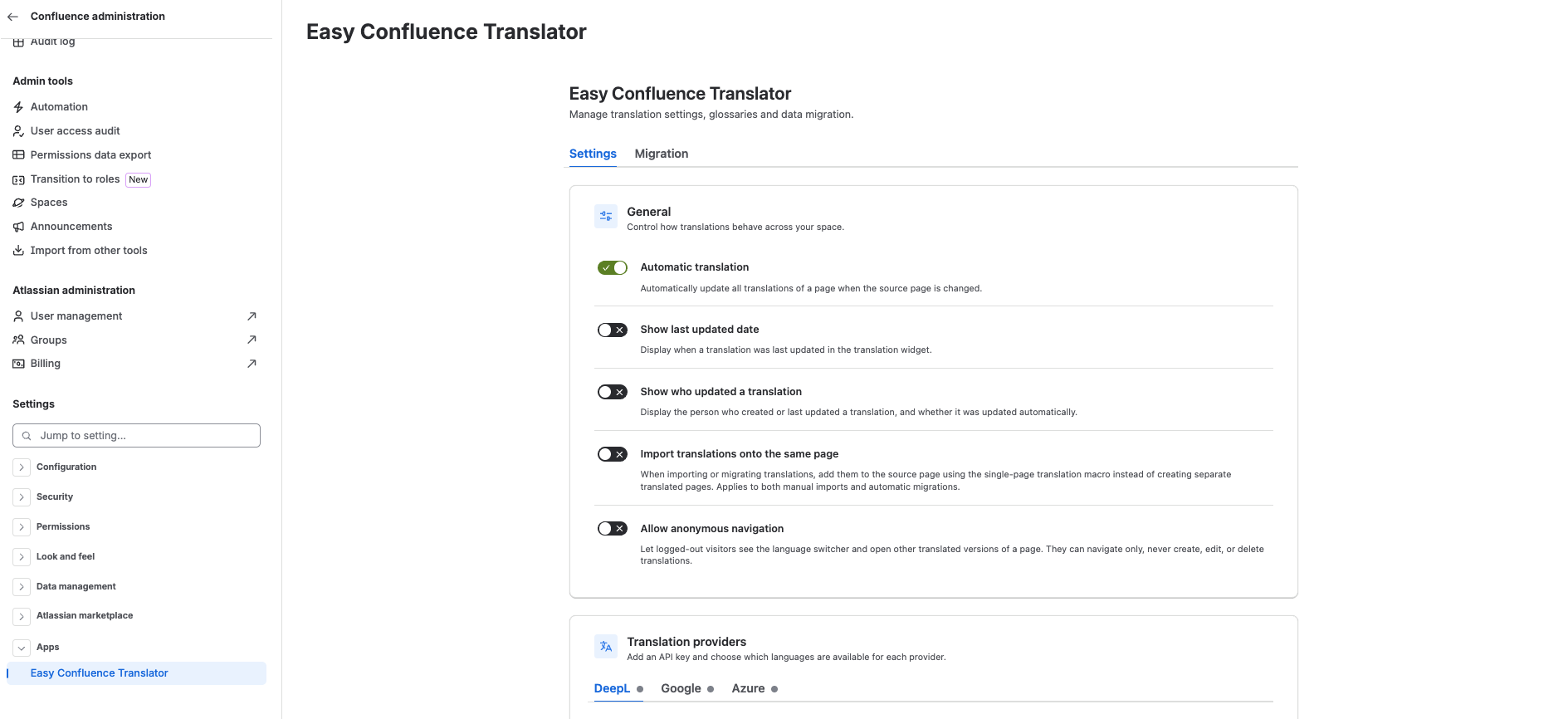
The Easy Translator for Confluence settings can be accessed via the Confluence settings page, as seen below.
Translation Settings | Image
Setting up translation API services
Easy Translator for Confluence currently supports the following three translation providers. Each is configured on its own tab in the Easy Translator settings.
|
Provider |
Credential |
Glossary Support |
|---|---|---|
|
Azure: Setup with a Azure account |
API Key + region |
NO |
|
DeepL: Setup with a DeepL account |
API Key |
YES |
|
Google: Setup with a Google account |
API Key (v2) or Service Account (v3) |
YES - v3 only |
Choosing a Google mode. Google can be set up two ways. v2 takes a Cloud Translation
API key and is the quickest to configure. v3 uses a Google Cloud service account and is
required if you want to use glossaries with Google. v2 is the default, and you can switch
between the two at any time without losing either credential. See Setup with a Google account.