
You will find the Easy JQL Properties for Users under Apps → YOUR APPS → Easy JQL Properties for Users.
Defining Properties
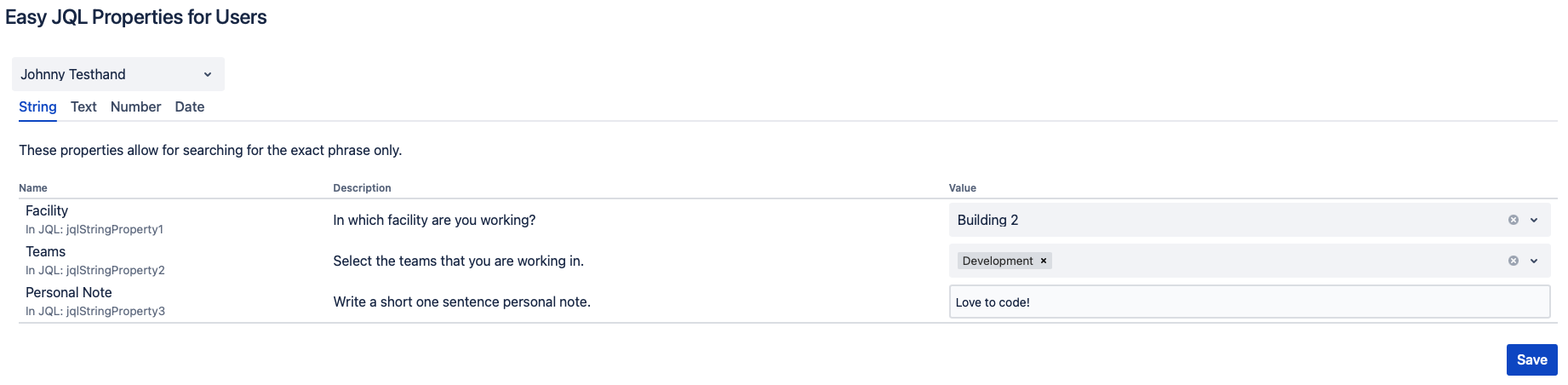
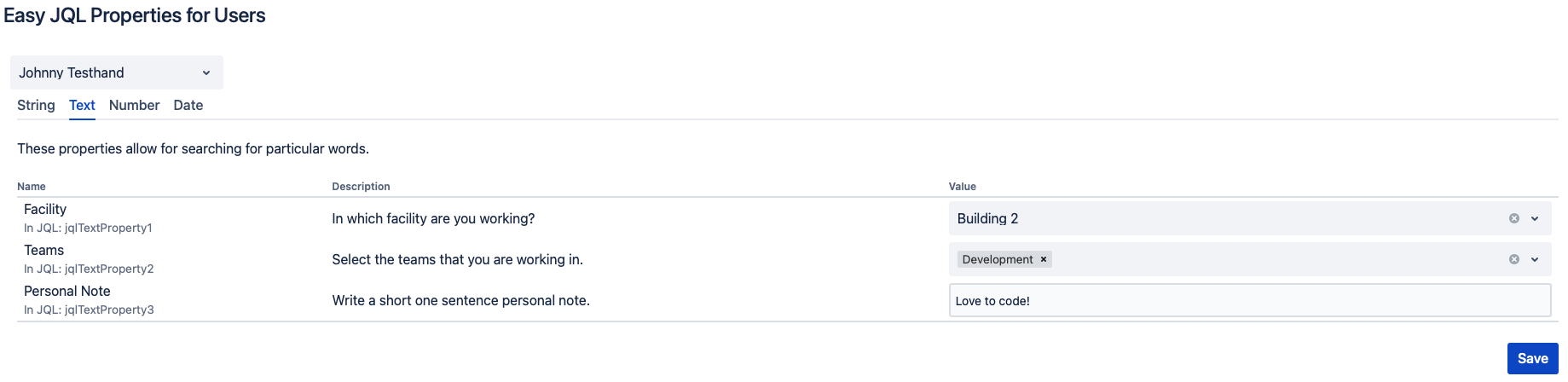
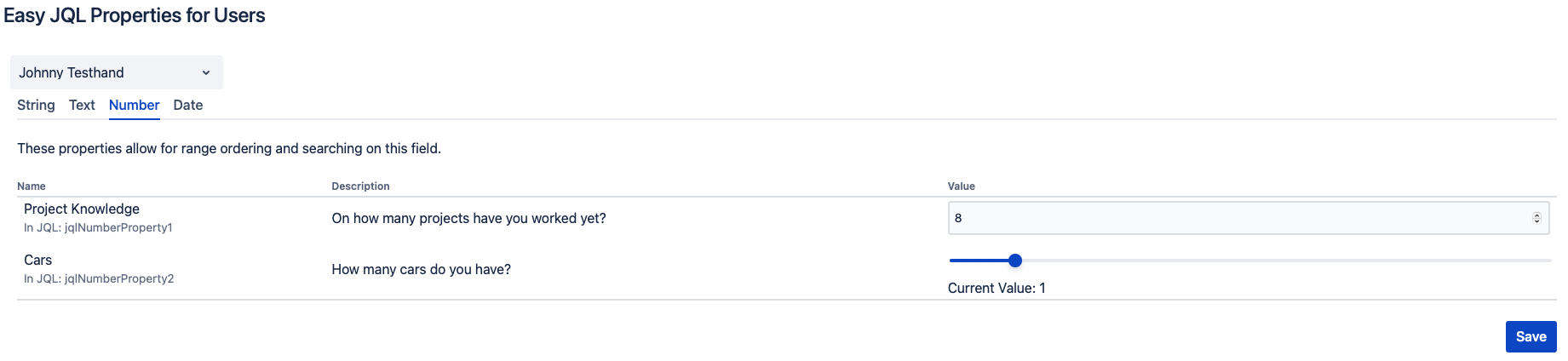
After defining the property values, click the Save button to store them.
String Property Examples | Image
Text Property Examples | Image
Number Property Examples | Image
Date Property Examples | Image

Due to limitations imposed by Atlassian, it's necessary to use predetermined property names in the JQL. You can observe these names in the name column.