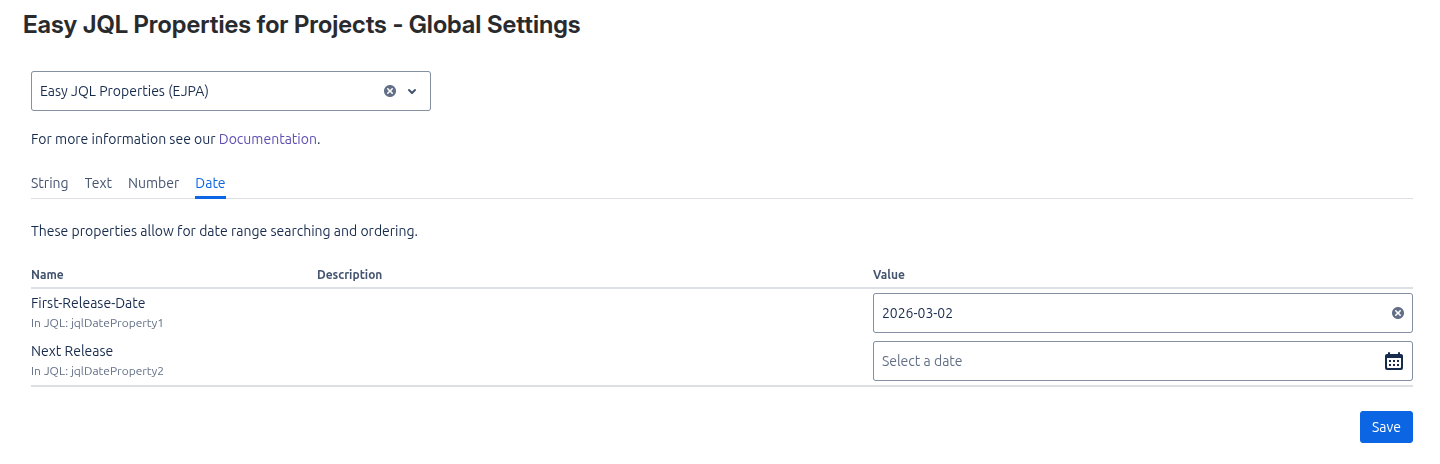
The Project Settings page allows you to view and edit the JQL property values for each project in one place. First, select the project in which you want to view or edit the values. A table with all active properties will appear. This table is the same as the one found under Project Settings → Apps → Easy JQL Properties for Project.
Project Settings | Image
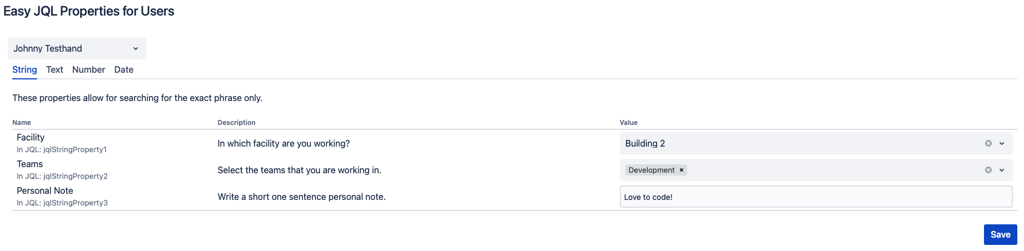
The User Settings page allows you to view and edit the JQL property values for each user in one place. First, select the user for which you want to view or edit the values. A table with all active properties will appear. This table is the same as the one found under Apps → YOUR APPS → Easy JQL Properties for Users.
User Settings | Image